
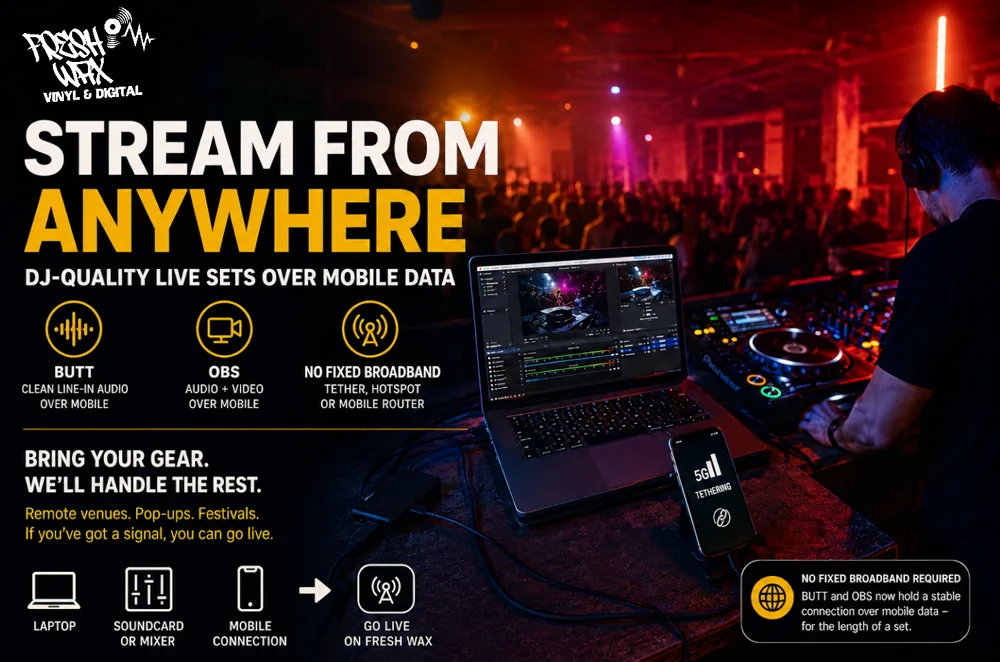
Earlier this year we made it possible to go live straight from your phone — mic pointed at the speakers, tap and broadcast. That's the zero-gear option, and it's still there. This update is the other end of the scale: a full, DJ-quality livestream from a remote venue with nothing but a mobile signal to get online.
Tether a laptop to your phone, plug into a mobile hotspot, run off a pocket 4G/5G router — whatever gets you a connection — and you can now push a proper line-in feed (or full video) to Fresh Wax that holds, for the length of a set, without dropping every couple of minutes.
The Problem We Just Solved
Proper streaming software like BUTT and OBS always sounded better than a phone mic — but if you tried to run them over a mobile connection (tethering, a hotspot, a portable router), the stream would die roughly every two minutes and reconnect, leaving listeners with a stuttering, on-off mess.
That wasn't your settings or your software. Mobile networks quietly tear down the kind of long-lived connection a stream needs, and a normal phone-camera stream survives that because of how it talks to the network — a studio audio stream didn't. We've now bridged that gap on our side. The result: BUTT and OBS stay connected over a tethered mobile link, the same way they do on home broadband.
What This Unlocks
If your only blocker to streaming a proper set was "there's no decent internet at the venue," that blocker is gone:
- Remote venues and pop-ups with no fixed broadband
- Outdoor sessions, raves, and festival sets running off a mobile router
- Mate's house, a warehouse, a car park — anywhere you can get a signal
- Any spot where you've got the decks and the gear, just not a wired connection
Bring your laptop, your soundcard, and a way online — that's the whole list now.
BUTT — Best Audio, Now Over Mobile
BUTT (Broadcast Using This Tool) takes a clean line straight from your mixer or soundcard, so it's the best-sounding option for an audio set — no room noise, no phone-mic compression, just the mix. It's our recommended choice for most DJs, and it now survives a tethered mobile connection.
Set it up once using the exact server details on your Streaming Setup page (they're also shown in the DJ Lobby when you go to stream). Use the details exactly as listed — that's what routes you through the connection that stays alive over mobile.
OBS — Video Over Mobile Too
Want a camera feed as well? OBS works over a tethered connection too, with two settings worth getting right when you're on mobile data:
- Drop the video bitrate to around 2000 kbps. A mobile uplink doesn't have the headroom of home broadband. Push too high and frames drop — which can leave the stream connected but showing a black screen. ~2000 kbps keeps it smooth.
- Set B-frames to 0 in your encoder settings. This is what gives clean, glitch-free playback for viewers watching on phones — the bulk of your audience.
Full step-by-step settings for both BUTT and OBS are on the Streaming Setup page.
Let's Be Honest About The Connection
This isn't magic — it's still a mobile connection, and physics applies. A few realities worth knowing:
- Signal strength matters. One or two bars in a basement will struggle. A solid signal makes all the difference — check it before you start.
- Keep the bitrate sensible. Mobile uplinks are narrower than your download speed suggests. Don't try to push a 6 Mbps stream up a flaky connection.
- Audio-only (BUTT) is far lighter than video (OBS) — if the signal's marginal, run audio. It needs a fraction of the bandwidth and holds up better.
- Keep the laptop and phone charged — tethering and encoding both eat battery fast.
Within those limits, it's solid. We tested it streaming over a phone-tethered laptop on mobile data and held a clean connection for the length of a set with no drops.
Which Option Should I Use?
- Phone mic (go live from your phone) — no gear, no laptop, raw and ready. The field recording.
- BUTT — clean line-in audio from your mixer. The best-sounding option, now portable. The studio session, taken on the road.
- OBS — audio plus a camera feed, if you want the visuals and have the bandwidth for it.
Get Started
To stream, you need:
- An approved DJ account and a booked slot on the schedule
- BUTT or OBS set up with the details from your Streaming Setup page
- A way online — tethered phone, mobile hotspot, or portable router
Book your slot, get a signal, and go live from wherever the party is. See what's on now over on the Live page.